
What "Peel" Actually Means
Every DTF transfer is a printed image sandwiched between a PET carrier film on top and a layer of hot-melt adhesive on the bottom. When you heat press it onto a shirt, the adhesive melts into the fibers. Once the ink bonds to the garment, you peel away the clear film -- leaving only the design behind.
"Peel" refers to the temperature the film should be at the moment you pull it off. That single variable, controlled by how long you wait after lifting the press, changes the way the adhesive releases from the film and grabs the fabric. It is not a quality difference -- it is a formulation difference in the film and powder used at the print shop.
You do not choose peel temperature at the press. It is baked into the transfer itself before it ships. Your job is to know which type you have and follow the correct sequence.
Hot Peel DTF Transfers
Hot peel transfers are engineered so the adhesive releases from the PET film while the ink layer is still hot -- usually within 2 to 5 seconds of lifting the press. You do not touch the film, wait, or fan it. You lift, grab a corner, and pull in one smooth motion.
Why shops love hot peel
Speed is the obvious win. A high-volume shop pressing 200 shirts a day saves real minutes per hour by skipping the cool-down step. The workflow is press, peel, next shirt. There is no station full of half-finished garments waiting to cool.
Hot peel transfers also tend to have a slightly glossier, more "printed" finish because the ink surface is still soft when the film releases. Some folks describe the hand feel as a touch smoother.
Where hot peel gets tricky
Hot peel is less forgiving of user error. If your press is slightly cool, or you dwell for too short a time, the adhesive may not fully bond and the peel can lift ink off the shirt. If you hesitate mid-peel or peel at an angle that stops and restarts, you can leave visible stress lines in the print.
Hot peel also struggles more on thick or fuzzy fabrics like sweatshirts, where the fibers make full adhesion harder to achieve in a single fast press.
Cold Peel DTF Transfers
Cold peel transfers require the film to cool to near room temperature before you pull it. That usually means waiting 15 to 45 seconds after lifting the press, depending on ambient temperature and how thick the garment is. Some shops move the pressed shirt off the platen and onto a cool surface to speed the cooldown.
Why crafters love cold peel
Cold peel is the most beginner-friendly option in DTF. The waiting period gives the adhesive time to fully re-solidify around the fibers, which means a more robust bond even if your press temp was slightly off. It is much harder to lift ink accidentally with a cold peel.
Cold peel also tends to leave a softer, matte finish that many customers prefer on premium tri-blends and fashion tees. The design looks less like a sticker and more like it was printed straight onto the shirt.
Where cold peel slows you down
The obvious cost is time. If you are pressing dozens of shirts per hour, the waiting stacks up. Most cold-peel shops build a small queue -- press three or four shirts, peel the first, press another, peel the next -- to hide the cooldown inside the next press cycle.
Cold peel also demands patience. If you get impatient and peel while the film is still warm, you can smear the design or leave a hazy imprint on the film that shows a ghost of the ink you pulled up.
Warm Peel: The Middle Ground
Some newer DTF films are labeled "warm peel." These are designed to be pulled about 5 to 10 seconds after lifting the press -- long enough to firm up but short enough to keep production moving. Warm peel is a compromise that aims to give you the durability of cold peel with most of the speed of hot peel.
If your transfer sheet does not explicitly say "hot" or "cold," it is almost always warm peel or cold peel. When in doubt, wait. A cold peel done hot will ruin a shirt. A hot peel done cold usually just works -- it might feel slightly stiffer, but the design stays intact.
Hot Peel vs Cold Peel: Side-by-Side
| Factor | Hot Peel | Cold Peel |
|---|---|---|
| Peel timing | Immediately, 2-5 seconds | Wait 15-45 seconds until cool |
| Finish | Slight sheen, glossier | Softer, matte-leaning |
| Production speed | Faster (no waiting) | Slower unless batched |
| Beginner friendliness | Less forgiving | Very forgiving |
| Bond strength on fleece | Fair | Excellent |
| Risk if done wrong | Ink lift, stretch lines | Smearing, hazy ghosting |
| Best use case | High-volume cotton tees | Sweatshirts, blends, small runs |
| Typical press recipe | 300F / 10-15s / medium | 300F / 15s / medium |
Which One Should You Order?
For most crafters and Etsy or eBay sellers running fewer than 50 shirts a day, the peel type is not a make-or-break decision. Both types produce vibrant, durable prints. What matters more is that you know which type you have and press it the way it was made to be pressed.
Order hot peel if...
- You are running a print party, pop-up booth, or trade show and every second counts.
- You mostly print on 100% cotton tees where the fabric behaves predictably.
- You already have a rhythm at your press and rarely misfire on time or temperature.
- Your customers ask for a slightly shinier, more commercial finish.
Order cold peel if...
- You are newer to DTF and want the largest margin for error.
- You press a lot of fleece, hoodies, tri-blends, or performance fabrics.
- You value a soft matte finish that reads as premium.
- You batch your workflow and can hide the cooldown behind the next press.
If you are picking up transfers from ColorFuse's DTF catalog and you are not sure yet, cold peel is the safer starting point. Once you have your press dialed in, you can try hot peel and see whether the time savings are worth it in your workflow.
Peel Troubleshooting
Most peel-related problems come from two things: guessing at the peel temperature, and using the wrong press settings for the fabric.
Ink lifted off with the film
This is the most common hot peel failure. It means the adhesive did not fully bond before you pulled. Increase dwell time by 3 to 5 seconds, verify your press is actually hitting 300F with an infrared thermometer, and confirm you have medium-firm pressure. If the transfer is labeled cold peel, wait longer.
Design looks stretched, wrinkled, or has visible stress lines
You peeled too slowly, stopped mid-pull, or peeled at an inconsistent angle. Practice pulling in a single smooth motion from one corner, staying close to the shirt at about a 30-degree angle.
Cloudy or hazy patches on the shirt after peel
This is a cold peel that was pulled while still warm. There is not much you can do to fix it after the fact -- a second press with parchment or a Teflon sheet on top can sometimes even the finish, but plan to wait longer next time.
Edges lift after the first wash
This is usually under-pressing, not a peel issue. Post-press the finished shirt for another 5 seconds with parchment on top, and check that you are following the care guidance -- turn inside out, wash cold, and skip the dryer for the first cycle.
Not sure what settings to run? The ColorFuse heat press settings tool has the current recipe by fabric type.
What ColorFuse Ships By Default
ColorFuse currently ships cold peel DTF transfers as the standard on every order. The reason is simple: we send a lot of transfers to first-time DTF pressers, and cold peel is more forgiving of the small mistakes that happen while people learn their press. The finish is soft, the bond is strong, and the failure rate on brand-new users is close to zero when the printed press card is followed.
If you are a higher-volume shop or a returning customer who wants hot peel for a specific job, note it on your custom order request and we will let you know if the artwork and quantity make sense for a hot peel film run. For everyday orders under the free-shipping-over-$75 tier, cold peel is what will show up in the envelope.
Either way, the ColorFuse press recipe is the same: 300F for 15 seconds at medium-firm pressure on cotton. Sublimation transfers are a completely different story -- those press at 400F. If you are still deciding between the two, the FAQ has a quick rundown.
Frequently Asked Questions
How do I know if my DTF transfer is hot peel or cold peel?
Check the packaging or the note that shipped with your transfers. Reputable shops always label peel type on the invoice or the film sleeve. When there is no label, treat it as cold peel and wait until the film is cool -- that will not damage a hot peel transfer, but pulling a cold peel too early can ruin the print.
Can I turn a cold peel transfer into a hot peel by pressing longer?
No. Peel behavior is engineered into the film and adhesive chemistry at the factory. Adding more press time will not change how the release layer behaves. Follow the peel instruction that ships with the transfer.
Does hot peel or cold peel last longer in the wash?
When pressed correctly, both types have equivalent durability -- typically 40+ wash cycles on the same shirt. Longevity comes from correct press temperature, pressure, and dwell, plus washing cold and skipping the high-heat dryer. The peel type has almost no impact on wash life.
Why does my hot peel transfer feel stiffer than my cold peel transfer?
Hot peel films leave slightly more adhesive on the back of the design because the release happens while the ink is still soft. Some brands and formulations feel identical, but on thin cotton tees you may notice a marginally firmer hand on hot peel. A quick post-press with parchment paper for 5 seconds can soften it.
Can I use the same press settings for hot peel and cold peel?
Yes on temperature and pressure. The ColorFuse recipe of 300F at medium-firm pressure works for both. The only difference is what you do after you lift the press: peel immediately for hot peel, wait 15-45 seconds for cold peel.
Which peel type is better for hoodies and sweatshirts?
Cold peel wins on fleece and heavier blends. The longer cool-down gives the adhesive time to grip the deeper fibers of a thick garment, which reduces edge lift after washing. If you press a lot of hoodies, order cold peel.
Previous
Fundraiser T-Shirt Guide: Church, School, and Nonprofit Ordering
Next
How to Price Your Custom T-Shirts: DTF Cost + Markup Formula
Shop DTF Transfers
View all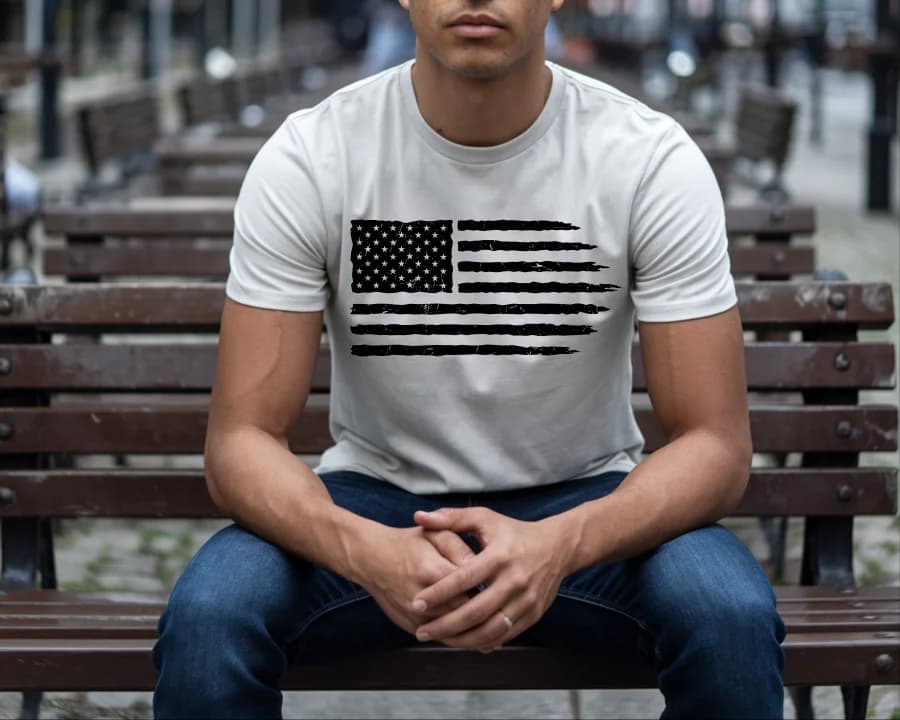
DTF Transfers
Grunge Flag
High Quality DTF Transfers, Ready to press Heat Transfers
DTF Transfers
Gamers Life Ready-To-Press DTF Transfer
High Quality DTF Transfers, Ready to press Heat Transfers
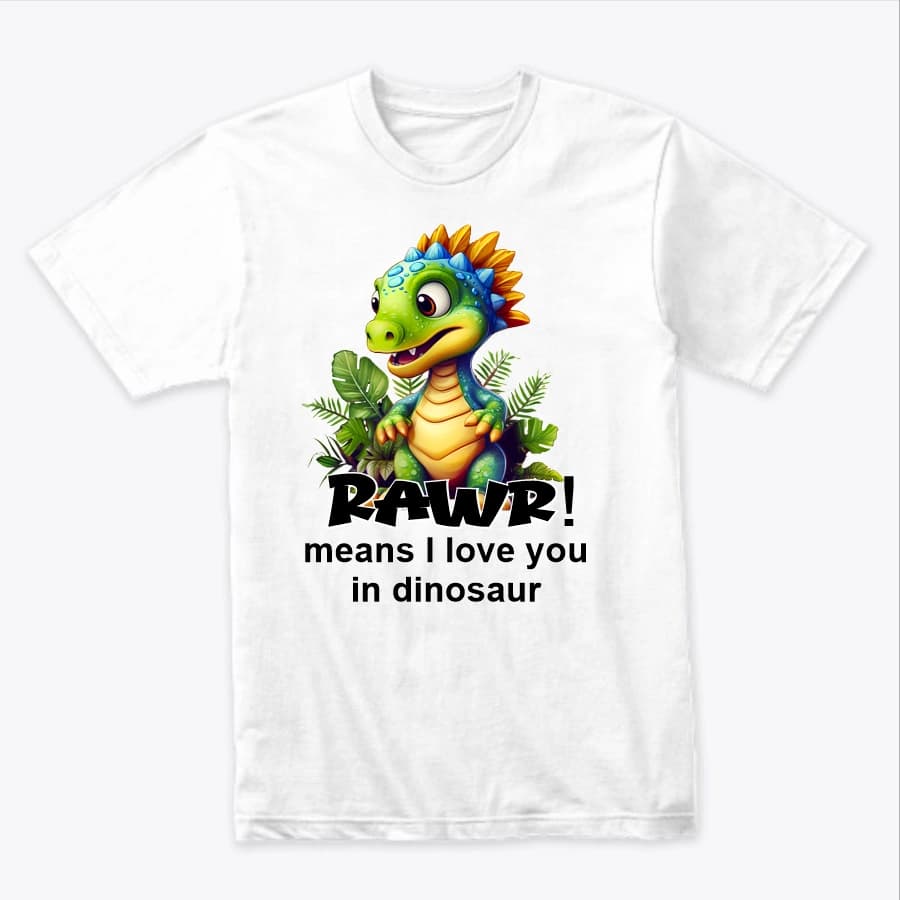
DTF Transfers
Rawa means I Love You
Rawa means I Love You -- Heat-applied DTF transfer for cotton, polyester, and any color fabric. Soft-feel finish, no weeding required.
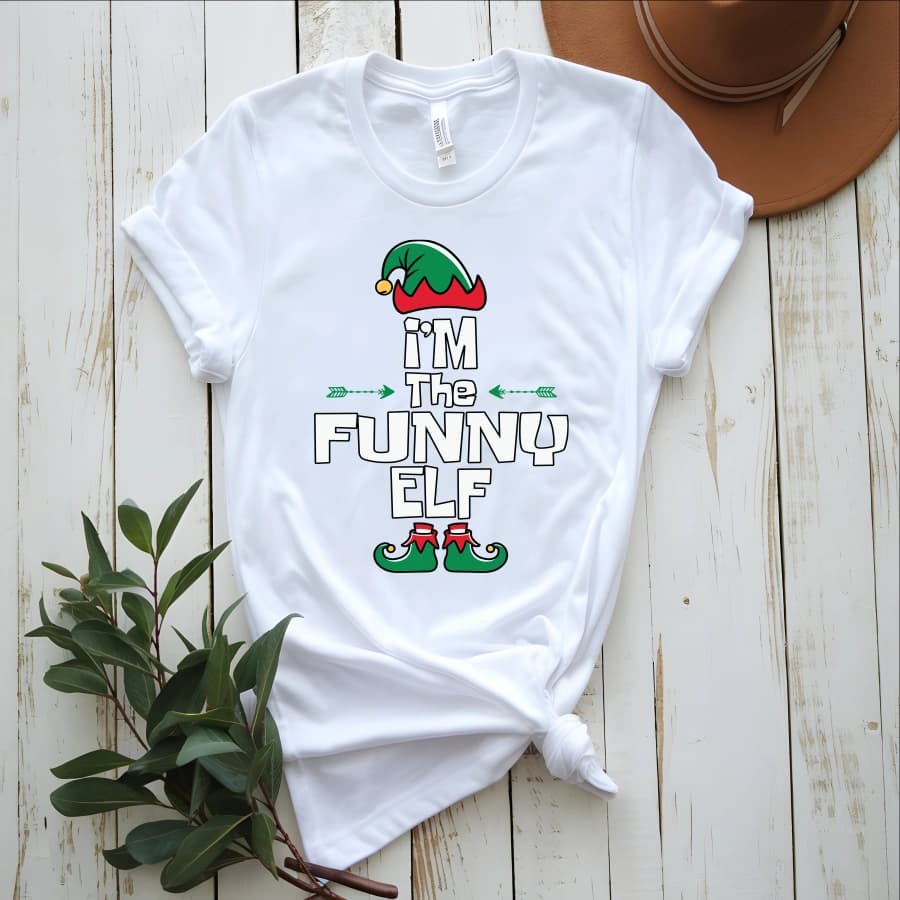
DTF Transfers
I'm the funny elf
I'm the funny elf -- Heat-applied DTF transfer for cotton, polyester, and any color fabric. Soft-feel finish, no weeding required.
Ready to press your next design?
Shop premium DTF transfers and sublimation products. No minimums. Ships in 2-3 business days.
Browse All Products